
Add a second charger to your account
Additional Chargers
If you've purchased a second charger, it will need to be linked to your account before it will appear in the Evnex app. Your second charger will still need to be installed and commissioned by a registered electrician following the standard Evnex Installation process.
At present, additional chargers must be added manually by our team and cannot be linked through the app.
We're looking to improve this in a future update, but for now, please email us the following details:
• Charger serial number
• The email address associated with your Evnex account
Once we've added the charger to your account, you can access it in the app by following these steps:
- Log out of the Evnex App and then log back in.
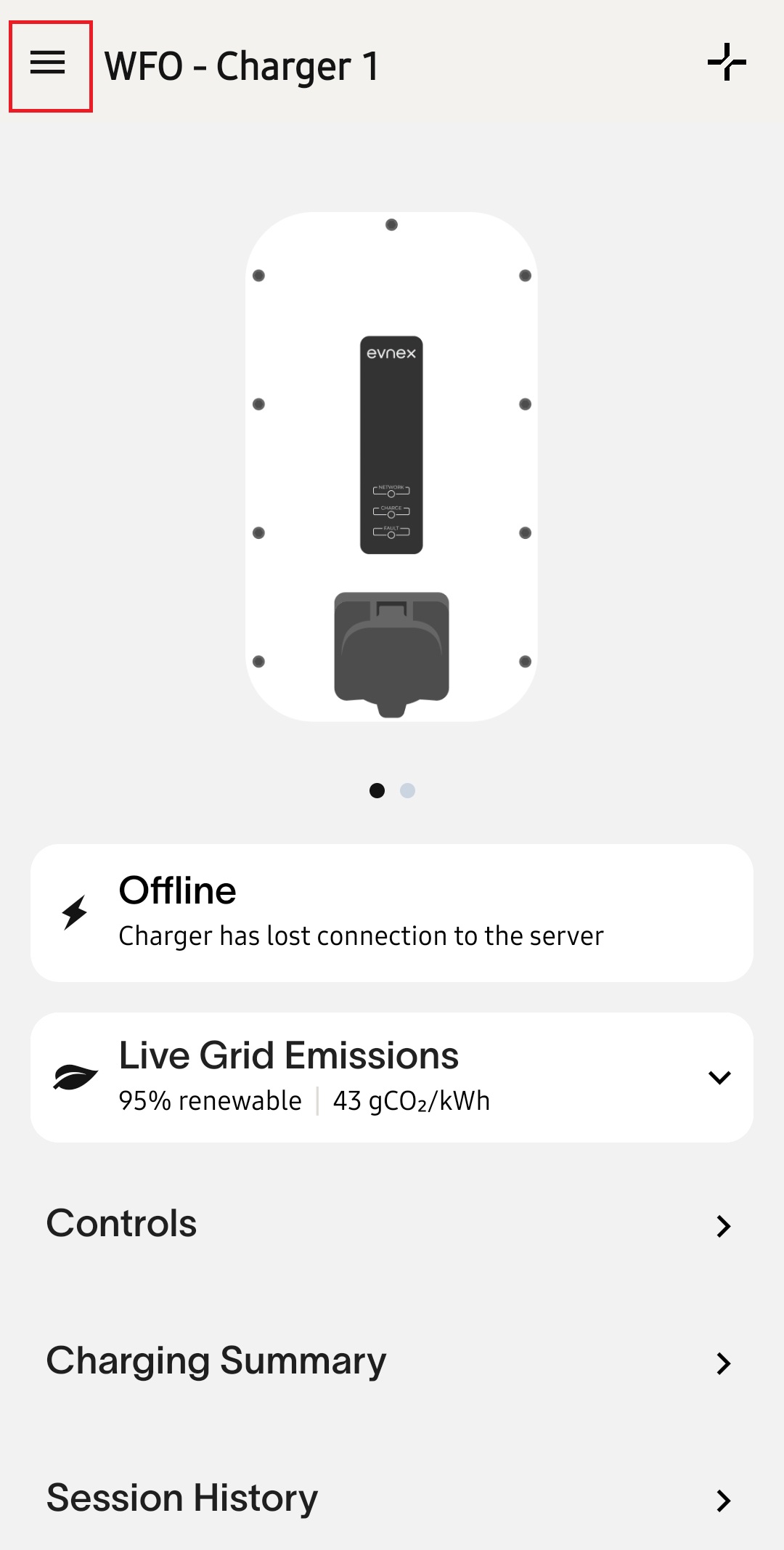
- Tap the menu icon (the three horizontal lines) in the top-left corner of the app.
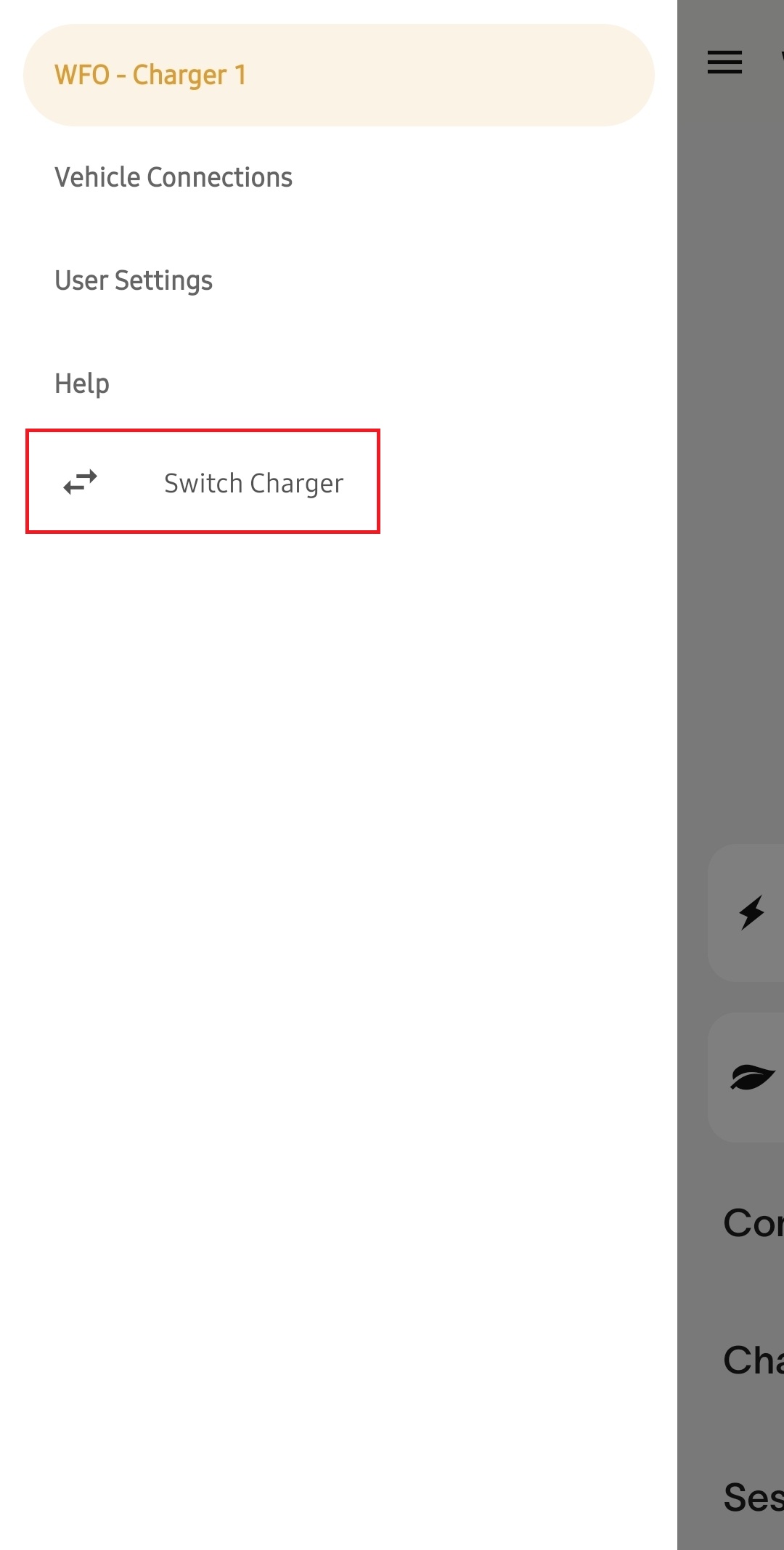
- Select Switch Charger.
- A list of all chargers linked to your account will be displayed.
- Select the charger you would like to view or manage.
If you have any questions or need assistance seeing your charger, please don't hesitate to get in touch with our support team.
Updated 11 days ago