
Locking Your Charger
How to lock your charger
If your charger is installed in a public location or you'll be away for an extended period, you can lock the charger to prevent unauthorised use.
To lock your charger:
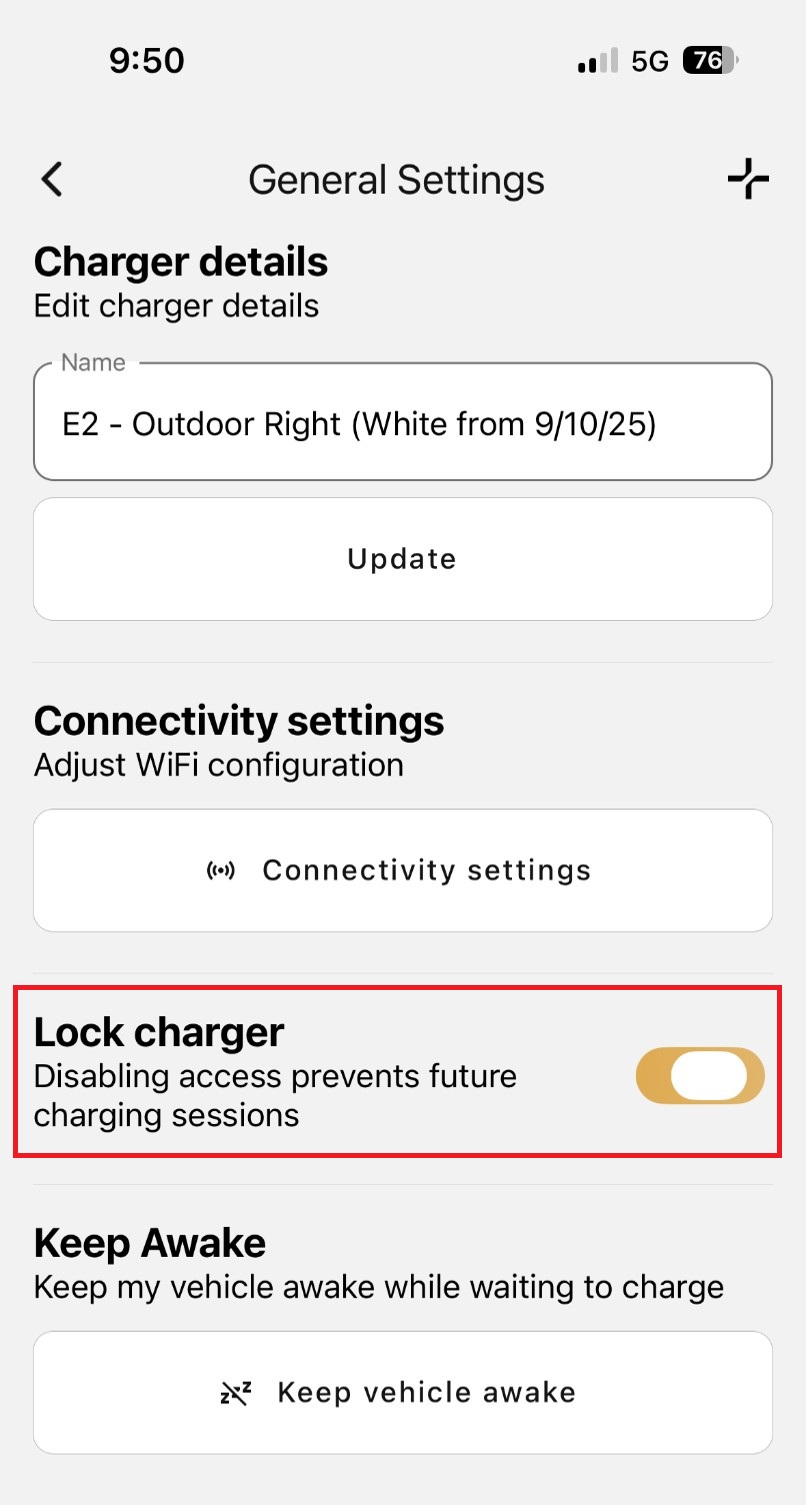
- Open the Evnex App and navigate to General Settings.
- Locate the Lock Charger option.
- Tap the toggle next to Lock Charger to lock and disable the charger.
Once enabled, the charger will be unavailable for use until it is unlocked.
To unlock your charger
Simply return to General Settings and tap the Lock Charger toggle again to re-enable charging.
Tip: Locking your charger is a great way to prevent unwanted charging sessions and ensure your charger is only used when you want it to be.
Updated 11 days ago